Daily Devotional: Galatians 6:14-16

My site is for uplifting and encouraging those that need spiritual advice and guidance.

Our skin goes through a lot of things that we don’t realize. When we are born, our skin is brand new; perfect with no blemishes except birthmarks. As we grow and get older our skin change. We go through puberty, and females bodies go through drastic changes, such as going into womanhood. When that happens, we completely change. Nothing is like it was before.
We all breakout at some point with acne, pimples, and other things that bothers our skin. We use chemical cleansing products on our face to remove the imperfections and blemishes we do not like, but to no avail things don’t always work the way we want them to.
When we began to use those things on our face, we always try to find something better that will work better, but it doesn’t always work. So, our skin is scarred and we are left with blemishes that may or may not leave. This is why it is important to not just use things on our face when we really don’t know what’s in the product, or what it was made from.
We have to be careful about that, because we could be allergic to the product and that could cause our skin to become very irritated. We never want to just put anything on our face that we have never used without doing research about it first.
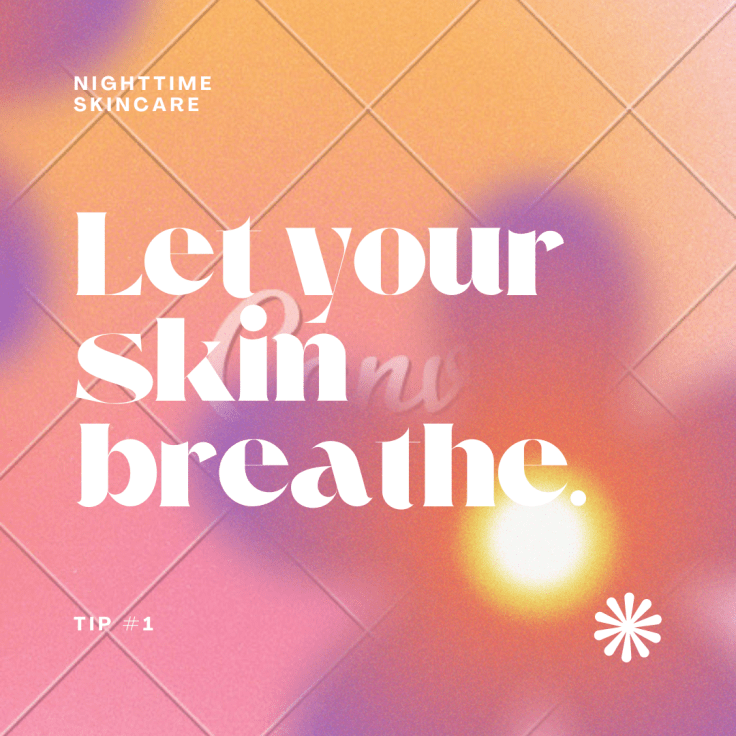
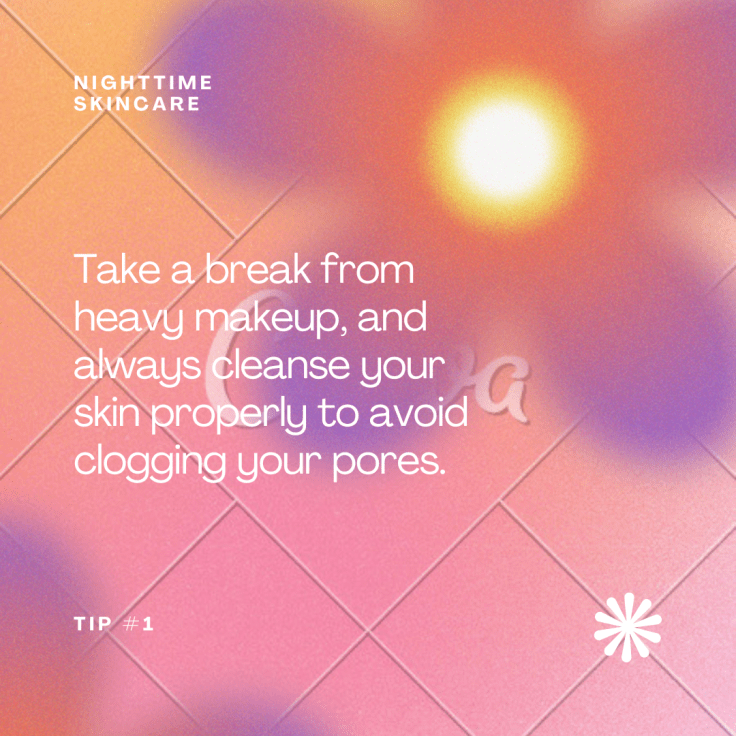
If I feel like something isn’t good for my skin, I do not use it. I use what I grew up using and that works for me. We have to let our skin breathe. We have to refrain from putting products on our skin all of the time. There is nothing wrong with using a skin cream that you know works for you; something like a night cream that doesn’t weigh your skin down, but leaves your skin soft and supple.
There is nothing wrong with self care. Self care is a beautiful thing. It means that you are taking care of yourself to make sure you are feeling at your best. Taking care of your skin is the most important thing there is because you are the skin you’re in. c.2022 October 4, 2022 by LA’ Brea Aquaria
Today we are looking at Mounce’s Complete Expository Dictionary, which is a word study dictionary covering the entire Bible.
Here are three tips for using Mounce’s Dictionary in our app to enrich your personal Bible study!
ONE: RESOURCE GUIDE
We talk about the Resource Guide all the time because it is incredibly helpful when studying the Bible in our app. Have you ever been reading a passage of scripture and had a question about a person, place, or topic? Now you can get answers without even leaving the passage.
Open your favorite Bible translation in the main window. I’ve picked out the ESV! Then, tap the split window handle and drag it to a width or height that you prefer. As you scroll through the Bible text, the Resource Guide keeps up with you and searches through all the books in your library for related content. If you scroll down through the Resource Guide results, you will see the section headings “People,” “Places,” and “Topics.”
Tap on the person, place, or topic that you want to learn more about. I chose the topic “Fellowship” because my church is currently working through Acts. Scripture tells us that the early church what devoted to fellowship…but what does that mean?
You’ll see that Mounce’s Complete Expository Dictionary has the words “Article to Fellowship” underneath the book cover. Tap on the book cover and the app will take you directly to the article. You can scroll and read the entire article without having to leave your Bible text! I was able to follow along as we read this passage in church, while also gaining deeper insights. It’s honestly so convenient.
If there are scripture references in the article that you would like to read, tap the verse and it will appear in a pop-up window. You can also tap the top right hand corner of the pop-up window to change which window you read the scripture in—main or split! It looks like this:
TWO: LOOKUP FEATURES
Maybe you aren’t sure where to find a certain topic in God’s Word, but you want to know more! You can search any topic in our Lookup feature and resources like Mounce’s Dictionary will show up, ready to give you the information you’re looking for. Here’s how:
For iPhone or iPad users, open the Resource Guide in the split window. Then tap the gear icon, followed by the “lookup” option in iOS. You can type “Fellowship” and tap “search”. This will bring up Mounce’s Complete Expository Dictionary article on Fellowship as we’ve seen before.
If you like reading your Bible “full screen”, try the integrated look-up feature. Tap and hold a word in the Bible text and an option menu bar will pop up. From here you get an array of option—one of them being Lookup!
If you tap the “Lookup” button you’ll get “hits” from your resources on just that specific word. Like before, just tap the book cover and you can read the article in the pop-up window, or choose to open it in the Main or Split window.
THREE: INTEGRATES WITH STRONG’S TAGGED BIBLES
If you have a Bible tagged with Strong’s, Mounce’s Complete Expository Dictionary is a great addition to your library. Since I have the English Standard Version (ESV) with Strong’s, I pulled it up in my main window and tapped “fellowship”. This brings up the Strong’s article and definition for koinonia.
From there I tapped “look up koinonia.” This brought up Mounce’s Complete Expository Dictionary that I can tap and read the article on koinonia in a window of my choosing.
Buy Now!
Ready to use what you have learned in your studies?
Mounce’s Complete Expository Dictionary
Join us as we celebrate well-respected pastors from the past and present. Check out discounted titles from pastors like Tony Evans, Charles Spurgeon, John MacArthur and more!
Tony Evans Bible Commentary
Spurgeon Study Bible Notes
MacArthur Bible Commentary
NLT Swindoll Study Bible
Wiersbe’s Expository Outlines
Popular Pastor SaleClick here to see all of this week’s discounted titles!
Was one of your 2022 goals to read more of the Bible? How has that goal been going? Fear not you still have time to deepen your Bible study or get back into the Word before the year ends. We want to help you with discounted titles that will be sure to inspire you!
Chronological Life Application Study Bible (NLT)
NIV Storyline Bible
Mounce’s Complete Expository Dictionary
ESV Greek Interlinear New Testament
See All DiscountsTAP HERE to browse all the titles on sale.

Whenever you download the Olive Tree Bible App, you can have access to all of these wonderful resources.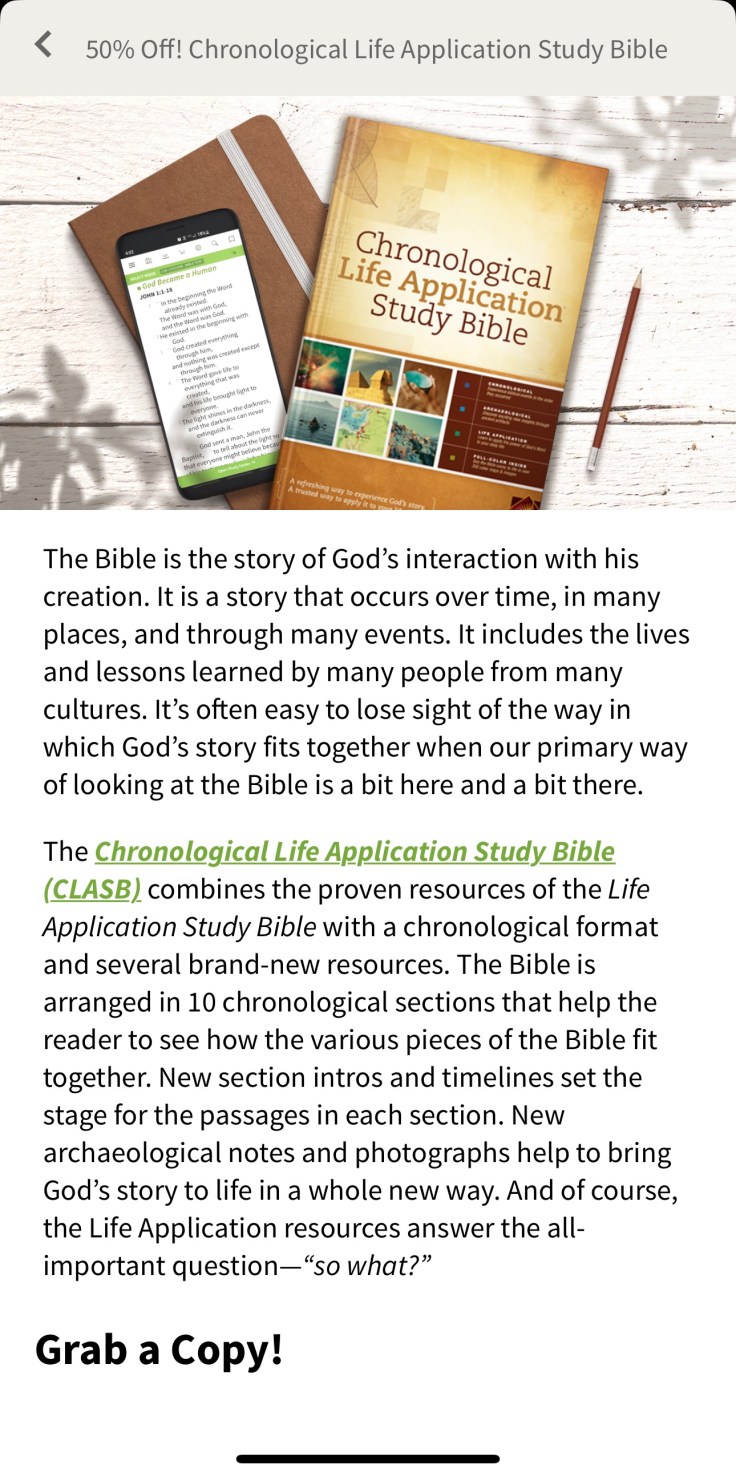
apps.apple.com/us/story/id1437797055
From what so can see, this is a nice app, that’s also educational. Click on the link above to read the amazing story about the creator of this app.
I thought this would be fun to share. Have a wonderful day.

 Food for the Soul